
Sometime, you might noticed that many sites not opening in your browser, mostly it happens on social networking sites likes Facebook, twitter, etc. So, you will be confused about site which you trying to open but not opening for everyone or just for you. in this situation, all you need to do to check to find out that site is down for you or everyone. There is many online websites available to check a website is down for you or everyone. follow the simple steps given below.
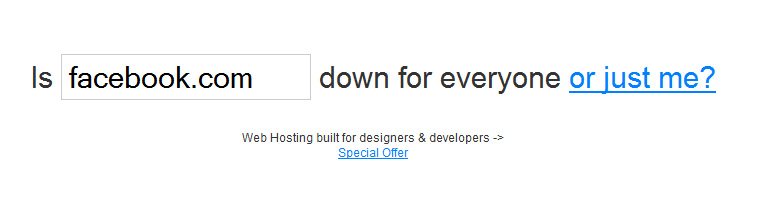
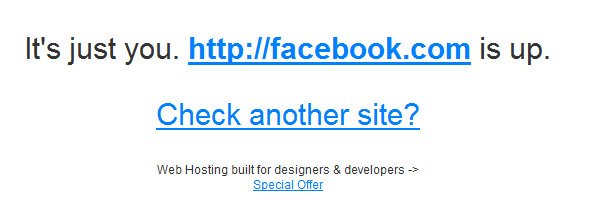
First thing you need to do is go to isup.me and enter site URL which not opening in your browser, and hit enter or click on “or just me?”. site will load and tell you that site is up or down. for more details check the screenshot below.
Isn’t easy?
There is many other good websites available to check. but this is quick and easy website to check it. but you should be knowledgeable with other good websites too. Here is some more websites to check a site is down or up.
1. http://www.isitdownrightnow.com/
2. http://downrightnow.com/
3. http://downorisitjustme.com/
4. http://aretheyup.com/
5. http://isitdown.us/
6. http://www.websitedown.info/
Hope this article help you to check a website is up or down. I know there is also many websites are available and I am missing to add in this list, if you know about any website which provides this service then feel free to share in comments.